PixelPals Haven
Opening the next view…
Preparing the page without changing your saved work.
 Gear intelligence for complete setups
PixelPals Haven
Preparing the page without changing your saved work.

Gaming
Plan the PC or console, display, controls, audio and desk as one system—then spend where the experience is actually limited.
Browse by system
The display sets a performance target. The PC or console has to meet it. Controls, audio and ergonomics determine whether the result is comfortable enough to use.
Build around the games, resolution and frame-rate target instead of buying the most expensive part first.
Explore category
Resolution, refresh rate, variable refresh, motion behavior, HDR and connection bandwidth all shape the result.
Explore category
Fit, layout, switches, button placement, connection and software matter more than decorative specifications.
Explore category
Platform support, connection method, control layout, battery and repairability determine whether a device fits the library.
Explore category
Headsets, headphones, microphones, speakers, wireless links and spatial processing planned around the room and platform.
Explore category
Desk depth, monitor placement, seating, reach, lighting, power and cable routing determine whether the setup remains comfortable.
Explore categoryBuild by use case
A competitive desktop, a living-room console and a travel handheld should not be built from the same checklist.
Prioritize consistent frame delivery, a responsive display, a comfortable mouse shape, reliable network connection and a desk that allows controlled movement.
Balance image quality, HDR, audio, storage and controller comfort around the types of games you actually finish.
Plan around television modes, viewing distance, controller charging, headset compatibility, seating and shared-space audio.
Treat screen, battery, storage, controls, suspend behavior, charger size and network access as one travel system.
Gaming guides
Display guide
Match resolution, refresh rate, variable refresh, HDR and connection bandwidth to the games and hardware.
Read guide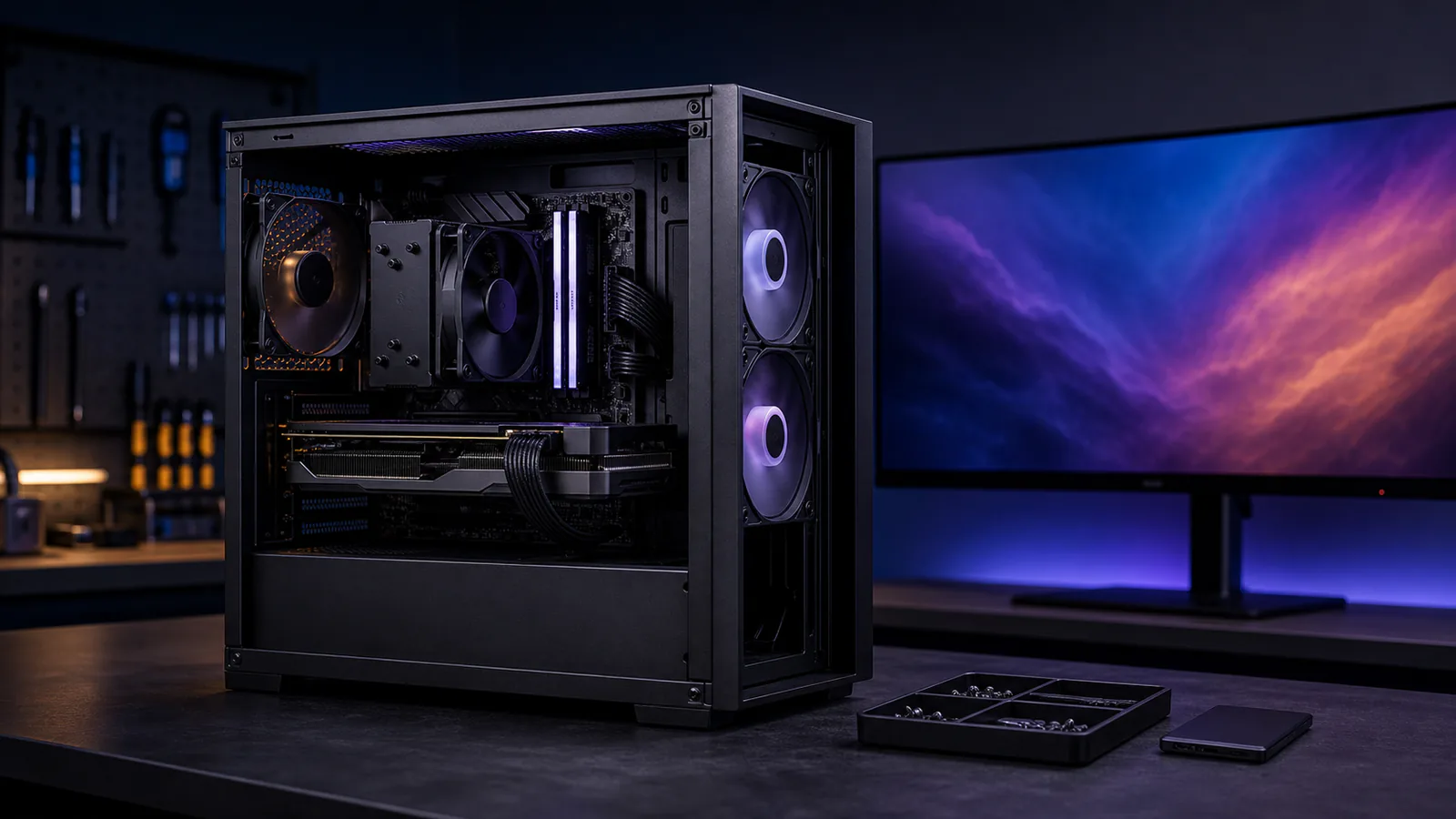
PC build guide
Size graphics, processing, memory, storage, power and cooling around a defined resolution and frame-rate goal.
Read guide
Peripheral guide
Use hand fit, shape, buttons, connection and repeatable settings to narrow the choices.
Read guide
Audio guide
Compare headsets, separate headphones and microphones, speakers, wireless links and spatial processing.
Read guideA balanced setup
Upgrade when the current system fails a defined goal: the frame rate is unstable, the display cannot show the intended mode, storage is full, the mouse causes discomfort or audio communication is unreliable.
That approach is slower than buying by hype, but it produces a setup that is easier to maintain and less likely to replace a perfectly useful part.