PixelPals Haven
Opening the next view…
Preparing the page without changing your saved work.
 Gear intelligence for complete setups
PixelPals Haven
Preparing the page without changing your saved work.

Flight Simulation
Choose controls, views, panels and mounting as one system—then create profiles that can be repeated every time you fly.
Browse by system
Primary controls, engine controls, pedals, views, panels and mounting all affect one another. Build around the aircraft you fly rather than collecting unrelated hardware.
Match the primary flight control to the aircraft, simulator, platform and space available.
Explore category
Choose axes, detents, engine controls and mounting around the aircraft you intend to operate.
Explore category
Plan yaw control, braking, resistance and floor stability around the aircraft and seat.
Explore category
Add radios, autopilot, switches and displays when they replace frequent virtual-cockpit work.
Explore category
Choose visibility, depth, performance demand and comfort as one viewing system.
Explore category
Build a stable, serviceable layout for controls, panels, displays, power and USB.
Explore categoryBuild by aircraft type
A general-aviation trainer, airliner, combat jet and helicopter place different demands on the controls, view system and cockpit layout.
Prioritize a yoke or versatile stick, throttle, rudder pedals, readable instruments and a layout that supports pattern work, navigation and procedures.
Plan thrust levers, detents, autopilot and radio access, wide displays and repeatable profiles around the aircraft families you fly.
Build around a stick, throttle, rudder control, head tracking or VR and enough buttons for aircraft-specific sensor and weapon workflows.
Prioritize precise cyclic, collective and anti-torque control, stable seating and enough axis resolution for small continuous corrections.
Flight-simulation guides

Controls guide
Match a yoke, stick, HOTAS, throttle and rudder setup to the aircraft, simulator and room.
Read guide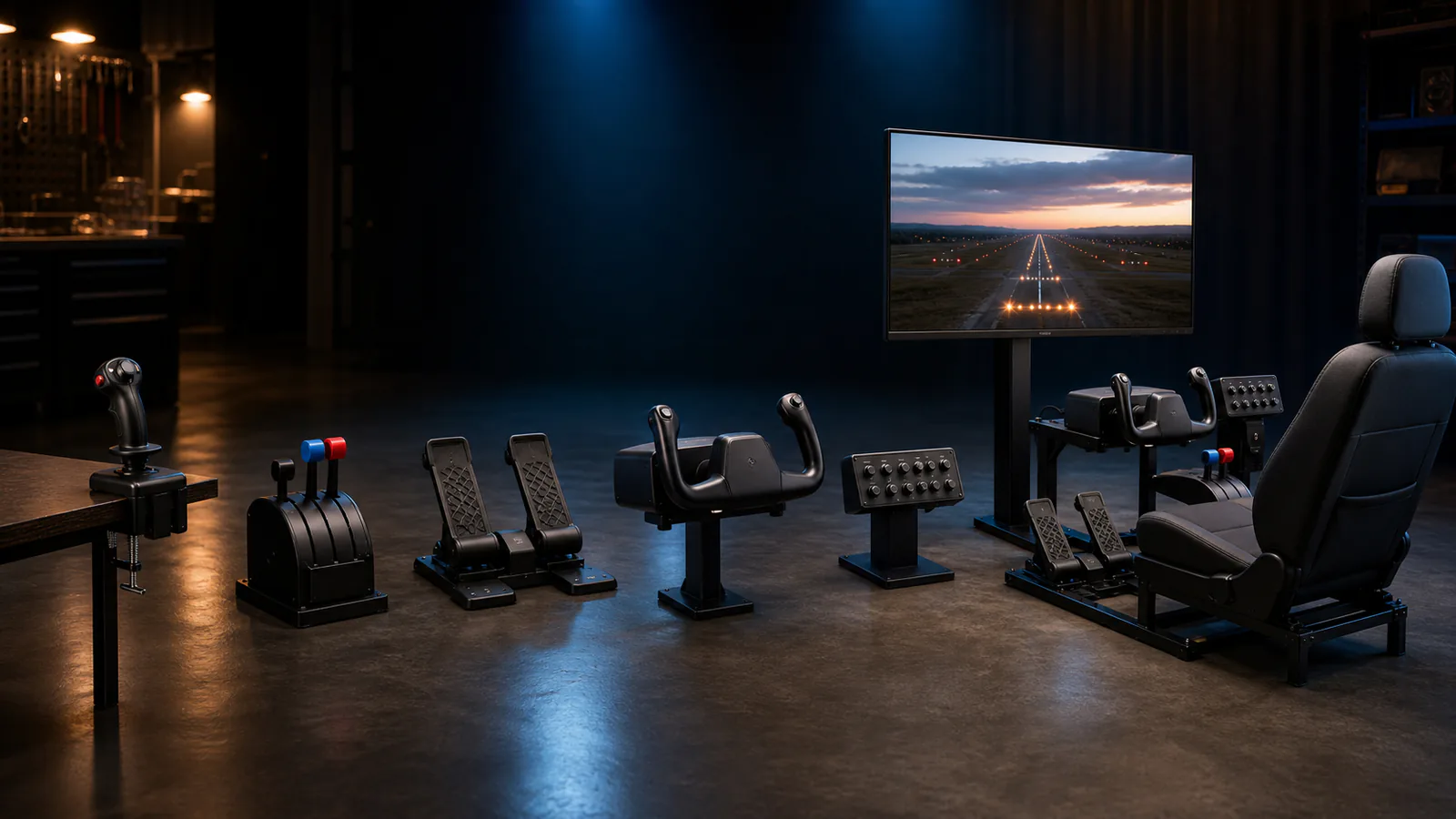
Setup guide
Start with reliable primary controls, then add visibility, engine controls, pedals and panels where they solve a real limitation.
Read guide
View-system guide
Compare instrument readability, field of view, depth, graphics demand and long-session comfort.
Read guide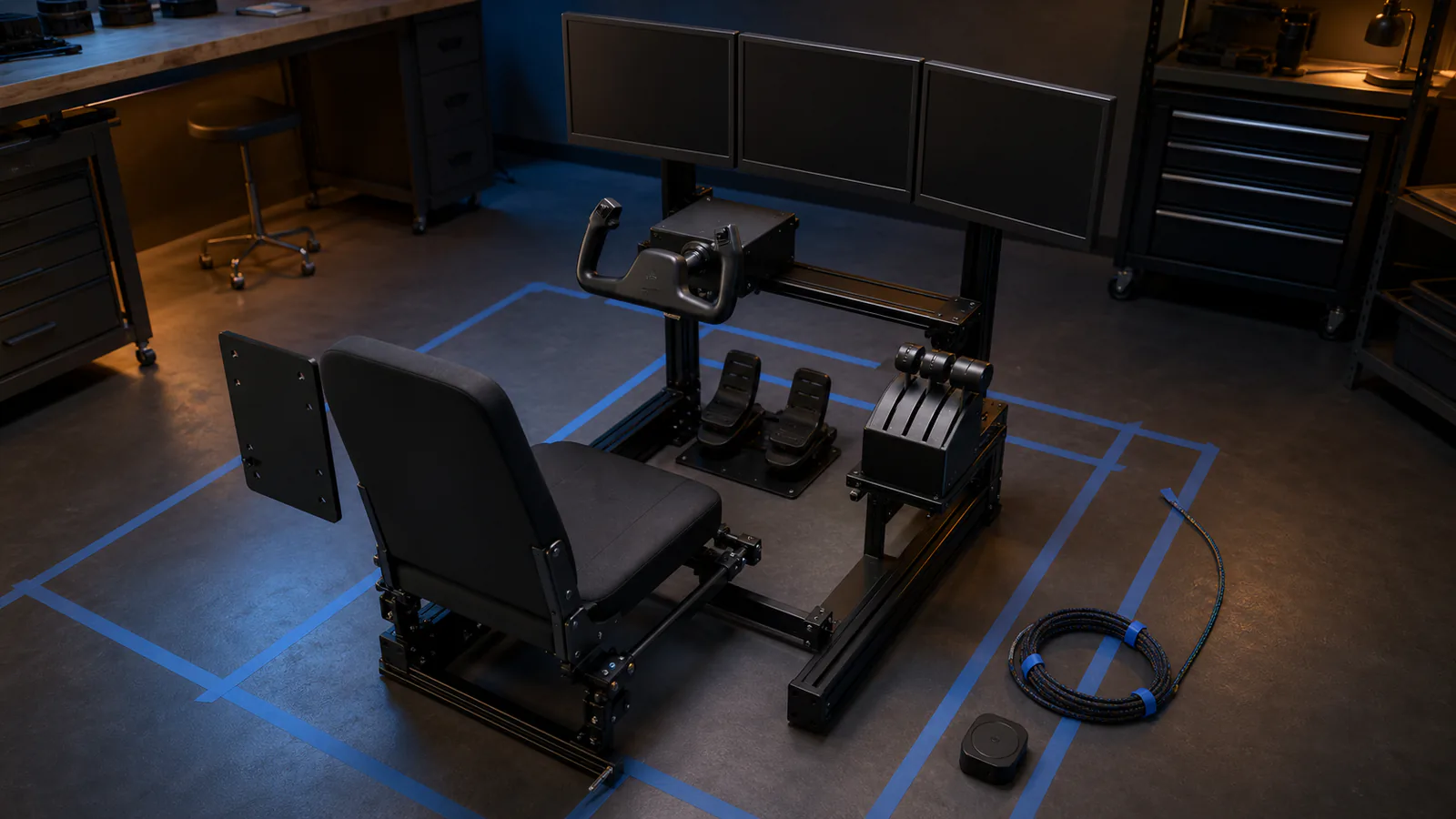
Cockpit planning guide
Set the seat, eye point, controls, mounts, USB and power before building fixed panels.
Read guideA repeatable cockpit
A control profile is not finished when the axes move. It should preserve the expected range, center, buttons, detents and view settings for the aircraft and simulator.
Record the physical positions of the seat, controls and displays, back up stable profiles and change one part at a time. That produces a cockpit that can be restored after an update or hardware change.