PixelPals Haven
Opening the next view…
Preparing the page without changing your saved work.
 Gear intelligence for complete setups
PixelPals Haven
Preparing the page without changing your saved work.
Flight Simulation
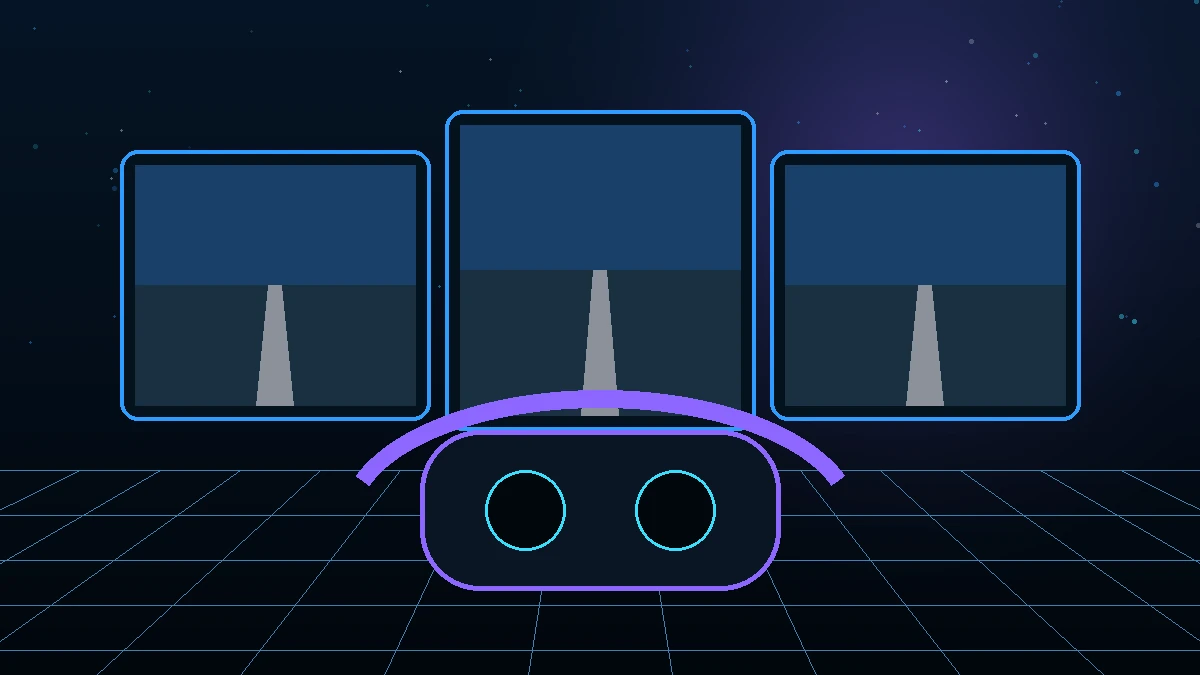
A single monitor, ultrawide, multiple displays, head tracking and VR create different ways to see the cockpit and outside world. The best choice depends on instrument readability, field of view, rendering performance, physical controls and the length of the sessions you fly.
Decide before buying
Start with aircraft, simulator, platform, room and the task the hardware must perform. The product list becomes shorter once those limits are clear.
Glass-cockpit text, gauges, maps and small switches set a clarity requirement that can be more demanding than outside scenery.
Head tracking expands a monitor view without hiding physical controls. VR provides stereoscopic depth and natural motion but separates the pilot from the real cockpit.
More pixels, viewports and VR resolution increase graphics load. Evaluate frame-time stability in the aircraft and scenery you actually use.
Heat, headset weight, eye comfort, motion sensitivity, prescription lenses and the need to read notes or physical panels affect long-session suitability.
Viewing distance, aspect ratio, field of view and the simulator camera position determine how much cockpit and outside view is visible. An ultrawide increases horizontal space, while multiple monitors can dedicate separate views or instruments when the simulator supports the configuration.
Optical or camera-based tracking maps head position to the in-simulator view. It can provide wide visibility on one monitor while keeping keyboards, notes and panels visible. Profiles should limit excessive amplification and preserve a stable center position.
VR can provide natural scale, head movement and depth cues. It also adds headset runtime, comfort, connection, controller and graphics requirements. Microsoft Flight Simulator uses OpenXR-compatible headsets, DCS provides a dedicated VR mode, and X-Plane includes native VR support with version-specific settings.
A simulator can feel unstable when the frame rate varies sharply during dense scenery, weather or complex cockpits. Test the intended aircraft and location, then reduce the settings that affect the limiting processor or graphics workload before increasing resolution.
A full hardware cockpit can be difficult to operate without seeing it. Solutions include tactile landmarks, mixed-reality passthrough, hand tracking, mouse use or leaving selected controls virtual. Decide which tasks must be completed without removing the headset.
Primary references
These references support technical statements on this page. They are not affiliate links.
Related reading