PixelPals Haven
Opening the next view…
Preparing the page without changing your saved work.
 Gear intelligence for complete setups
PixelPals Haven
Preparing the page without changing your saved work.
Sim-racing display guide
Choose the visual system by geometry, graphics demand, room footprint and the length of the sessions you actually drive.
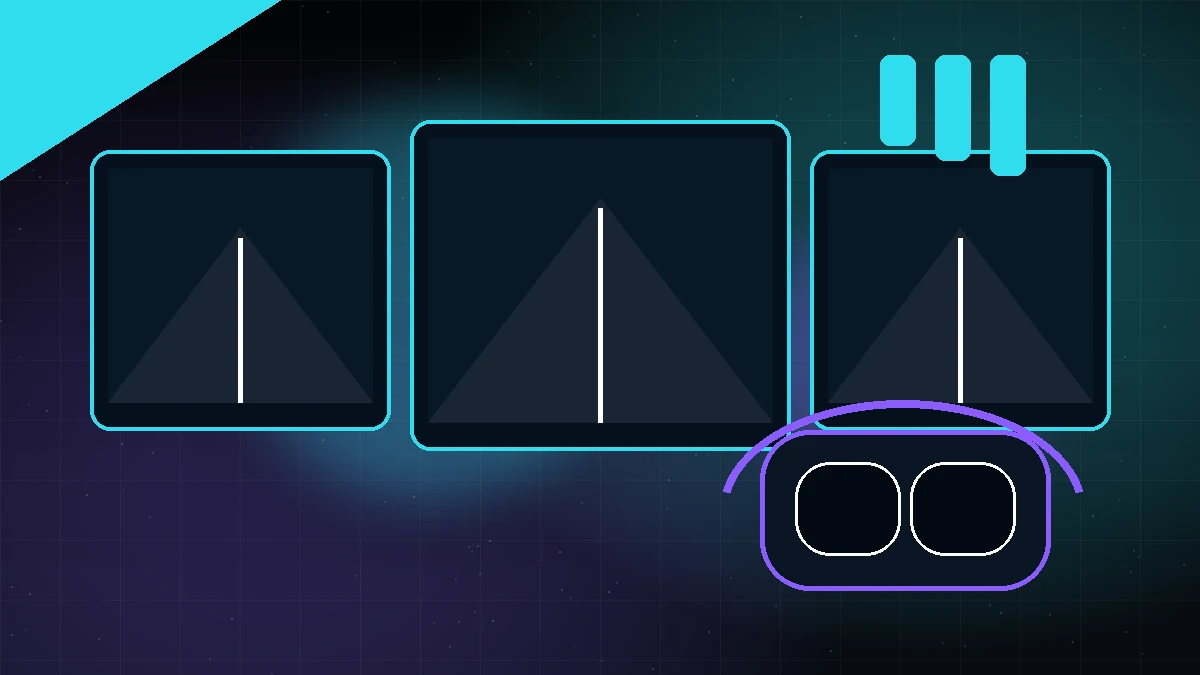
Screen size alone does not determine a useful cockpit view. Measure screen width, viewing distance and bezel width, then use the simulator's field-of-view tools. A correct geometric view may initially look narrower than an exaggerated setting but gives more consistent scale and corner judgment.
One display is easy to mount, configure and drive from the graphics card. A larger or closer screen can improve usable field of view, but side visibility remains limited. It is a strong choice when space, budget or reliability matters most.
Ultrawide and super-ultrawide displays expand horizontal view without triple-screen alignment. They require one video link and one monitor profile, but they do not wrap around the driver as far as a well-positioned triple setup.
Triple monitors can place side screens at an angle and render separate projections in supported simulators. The total resolution increases graphics demand, and the screens, stands, bezels and angles need careful alignment.
A headset can provide strong immersion without a wide physical display structure. The trade-offs include headset comfort, optical clarity, frame-time stability, heat, motion sensitivity and the need to operate controls without always seeing them.
Check the exact resolution, refresh rate and variable-refresh path for monitors. For a PC-connected Meta headset, verify the PC requirements and use a suitable high-quality USB data cable or supported wireless-link network.
A display system that feels impressive for ten minutes may become difficult over a long stint. Evaluate eye comfort, head movement, heat, readability, frame-time consistency and the ability to enter and exit the cockpit safely.
Published .