PixelPals Haven
Opening the next view…
Preparing the page without changing your saved work.
 Gear intelligence for complete setups
PixelPals Haven
Preparing the page without changing your saved work.
Controller setup guide
USB, Bluetooth and Xbox Wireless can connect the same controller, but available features and troubleshooting steps are not always identical.
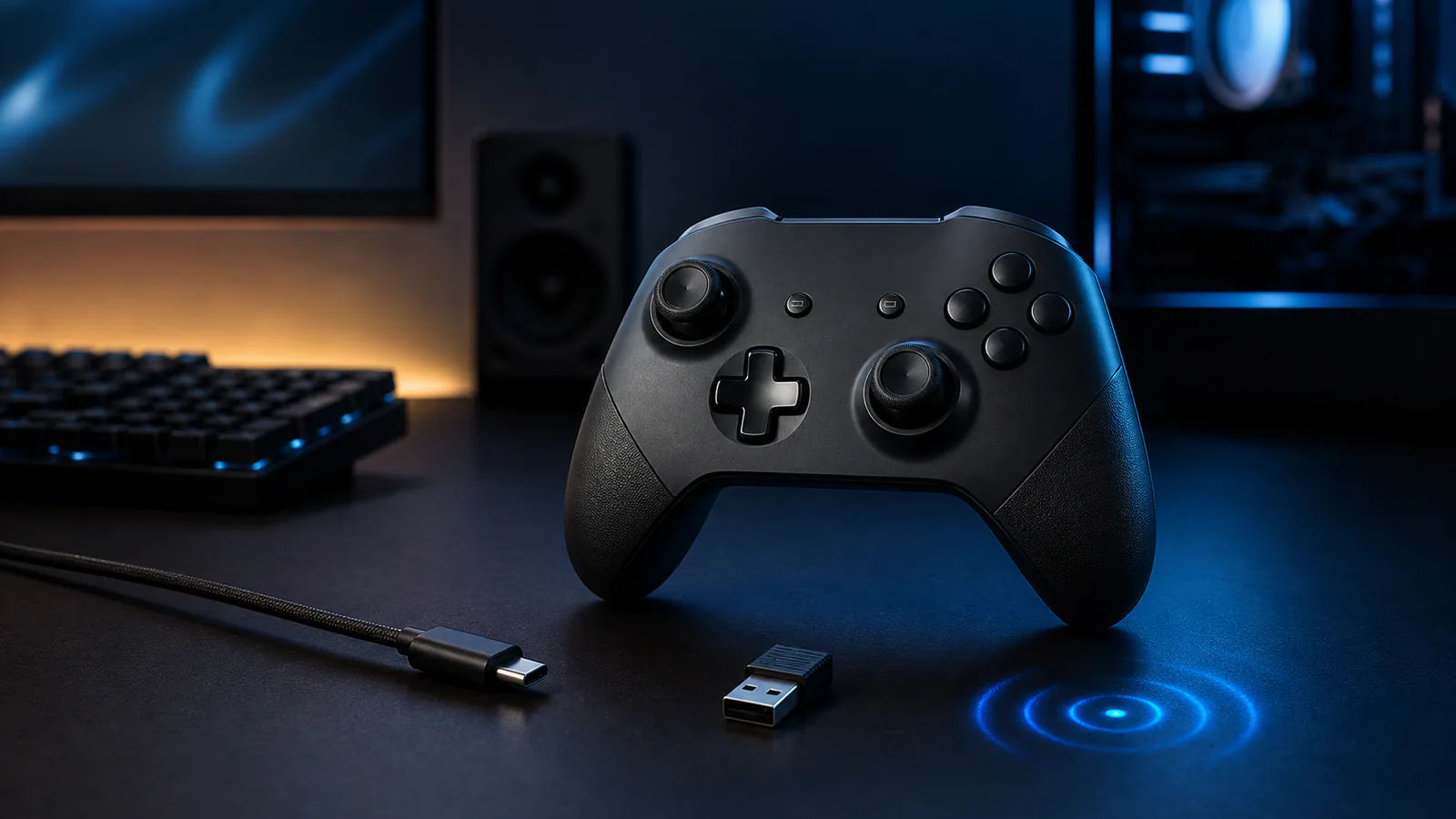
A direct USB cable provides power and a physical data connection. It is useful for first setup, firmware updates and separating wireless problems from controller problems. Use a cable that carries data, not a charge-only cable.
Bluetooth can connect supported Xbox Wireless Controllers to many PCs and mobile devices. Pairing depends on the controller model and the host Bluetooth hardware. Some accessory and headset functions may not be available through Bluetooth.
The Xbox Wireless Adapter provides Microsoft's proprietary wireless connection on compatible Windows PCs. Microsoft's support documentation identifies USB, Bluetooth and Xbox Wireless as separate PC connection methods; choose the one that supports the required accessories and features.
Use the Xbox Accessories app or a supported console to check controller firmware. Microsoft notes that firmware can be updated wirelessly, by USB or through the PC app, with limitations for Bluetooth-only update paths.
A controller can be remapped by the operating system, platform client and game. When buttons appear incorrect, return each layer to a known default and test before applying custom profiles again.
Published .